Photo to Aesthetic Video & Motion Converter
Learn how to turn still aesthetic photos into mesmerizing TikTok reels, Instagram stories, and YouTube shorts with slow Ken Burns motion, 35mm film flicker, and sound integration.
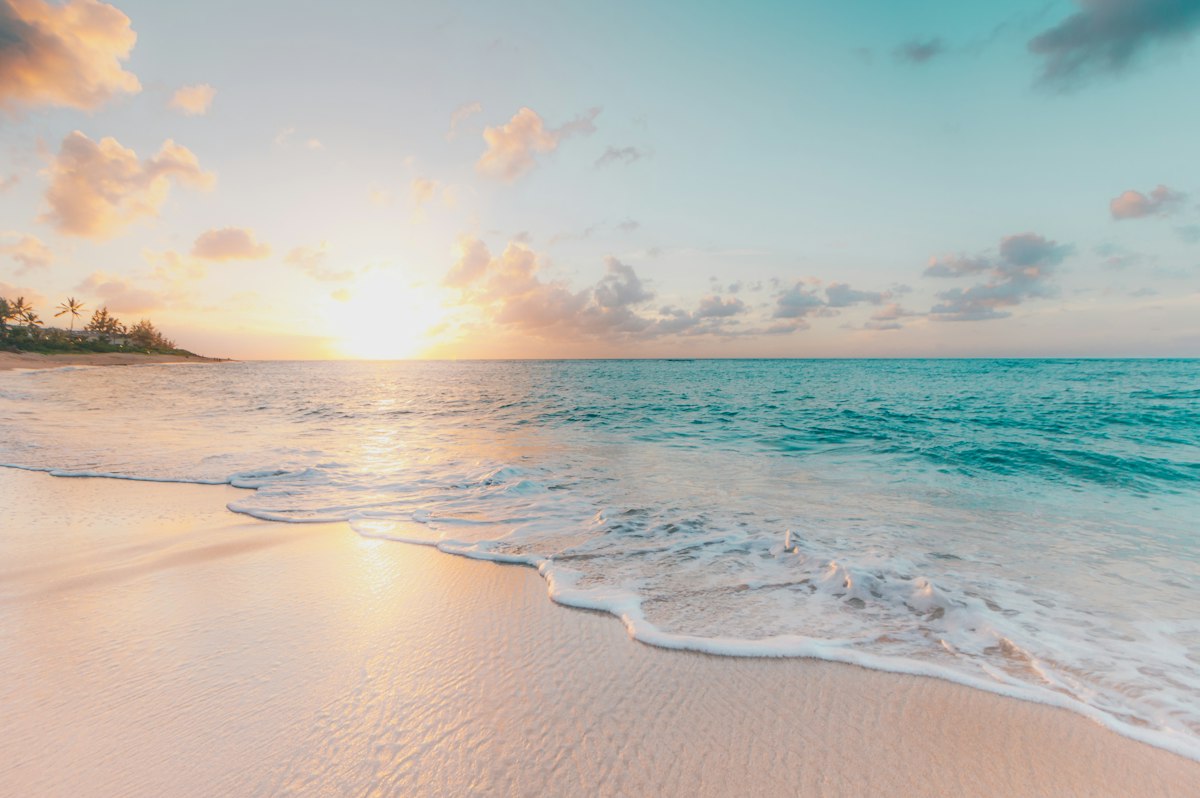
Previewing cinematic continuous camera motion applied to a single still aesthetic photograph.
Step 1: First Grade Your Photo to Aesthetic Standards
Photo to Aesthetic AI StudioVideo Prep Mode
Transform normal photos into aesthetic masterpieces in seconds.
Click to upload or drag & drop photo
Supports JPG, PNG, WEBP • Max 20MB
Kodak Portra warmth, amber highlights, teal shadow splits, and organic film grain.
How to Animate Photos for Free into Aesthetic Videos
Converting a still photo into a viral aesthetic video does not require expensive motion graphics software. By pairing our aesthetic photo converter with free mobile video editors like CapCut or Premiere Rush, you can produce hypnotic 5-to-15 second video loops.
Download Aesthetic Image
Use our tool above to grade your photo with Vintage Film or Soft Aesthetic tones at original uncompressed resolution.
Apply Ken Burns Slow Zoom
Import the photo into CapCut. Set duration to 7 seconds. Add two keyframes: scale from 100% to 108% with smooth easing.
Overlay Audio & Light Leaks
Add a trending ambient lofi or indie acoustic sound track and a subtle 35mm film grain or light leak overlay effect.